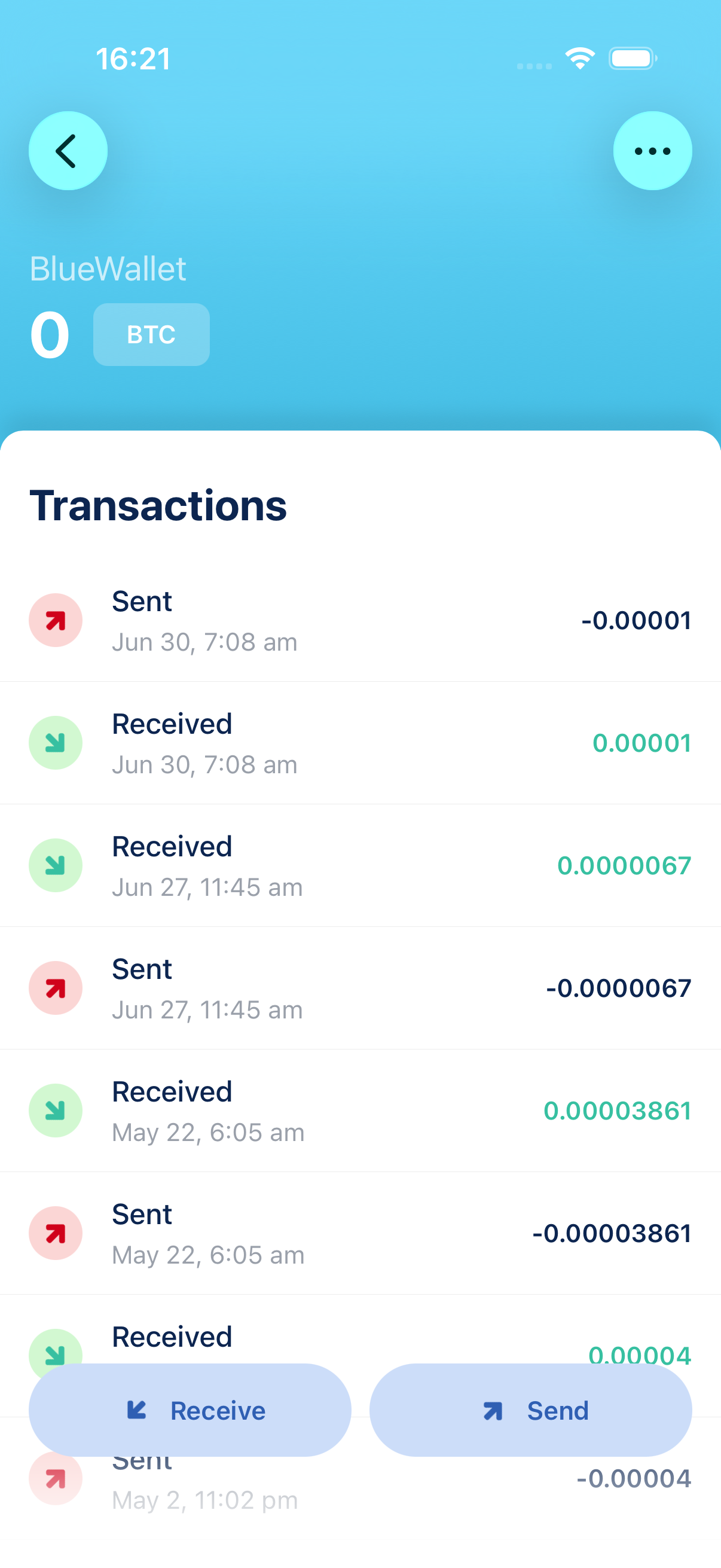
It tracks balances, transactions, and receiving addresses without storing private keys on that device. Import an xpub, ypub, zpub, or a single public address. Useful for cold storage, paper wallets, and hardware wallets.
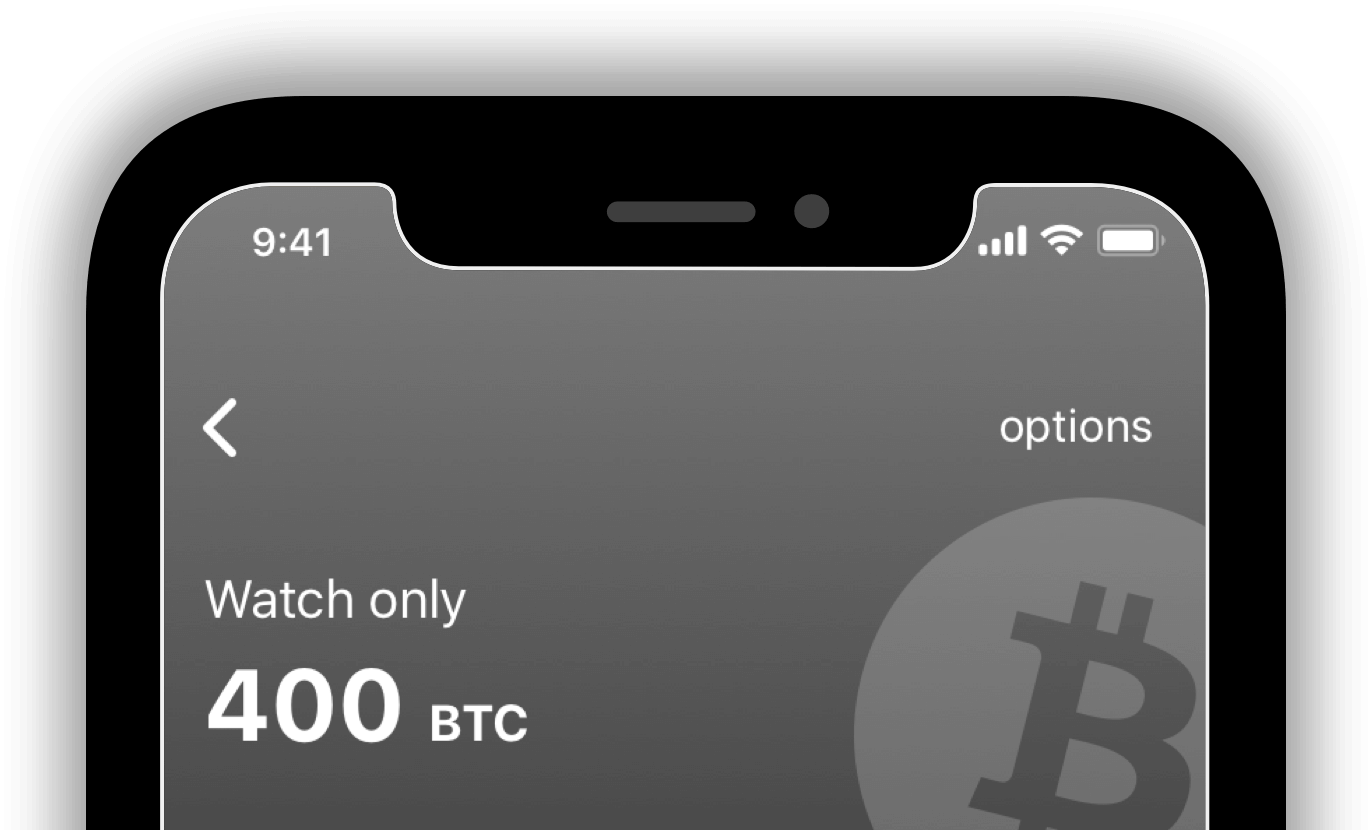
Watch-only
Watch-only wallets allows you to keep an eye on your cold storage or paper wallet without touching your private key. Easily import your public address, xpub or ypub and watch it from your app without moving anything.


Features
xpub/ypub/zpub
A x/y/zpub or master public key address can be passed to generate receiving addresses.
Public Address
Monitor individual addresses you want to keep an eye on.
Receive
Generate addresses and QR codes for receiving.
Offline Signing new
Send transactions by signing them offline or with another wallet.
Animated QR codes
To facilitate the experience for big transactons.
Hardware wallets
Support for your cold storage solution and hardware devices.
How to set up a watch-only wallet
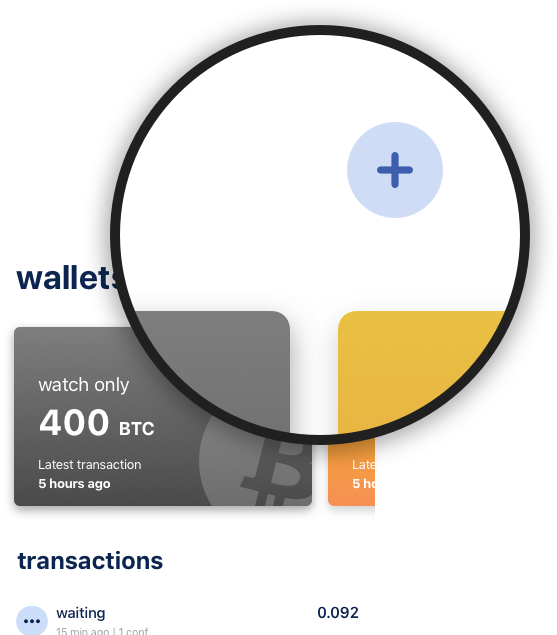
Tap on add wallet icon
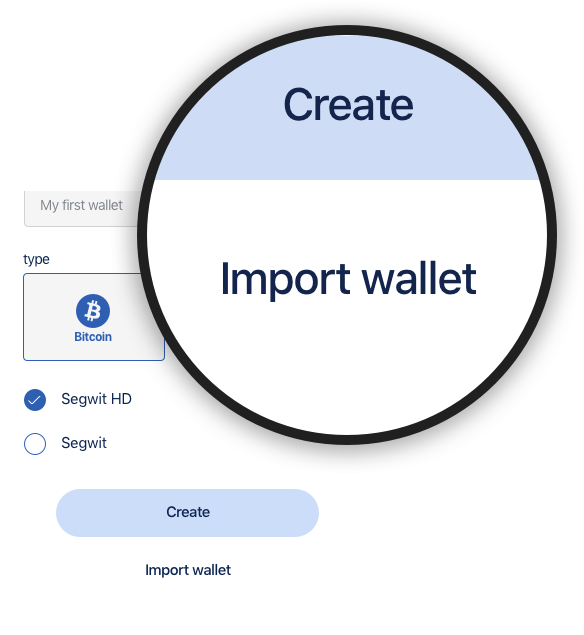
Tap "Import wallet" option
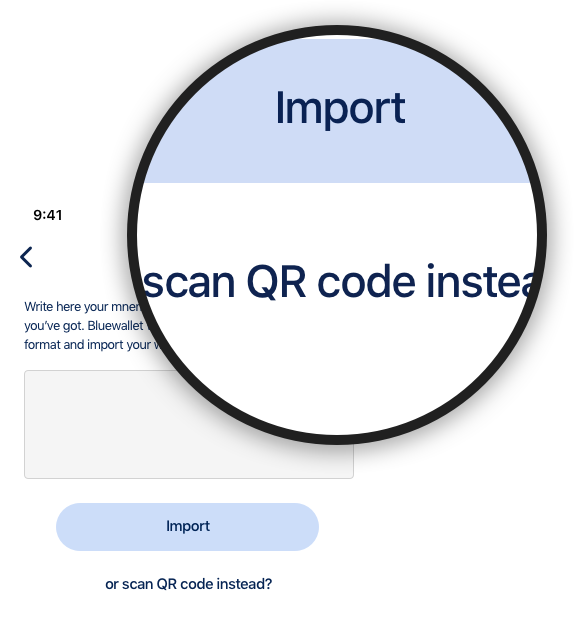
Input or scan a QR code
Hardware Wallet support
Use your wallets with ease on your mobile app while leaving your keys in cold storage. Ability to create, send and receive transactions.
Frequently asked questions
Quick answers about monitoring bitcoin without storing keys on this device
-
What is a watch-only wallet?
-
Can I send bitcoin from a watch-only wallet?
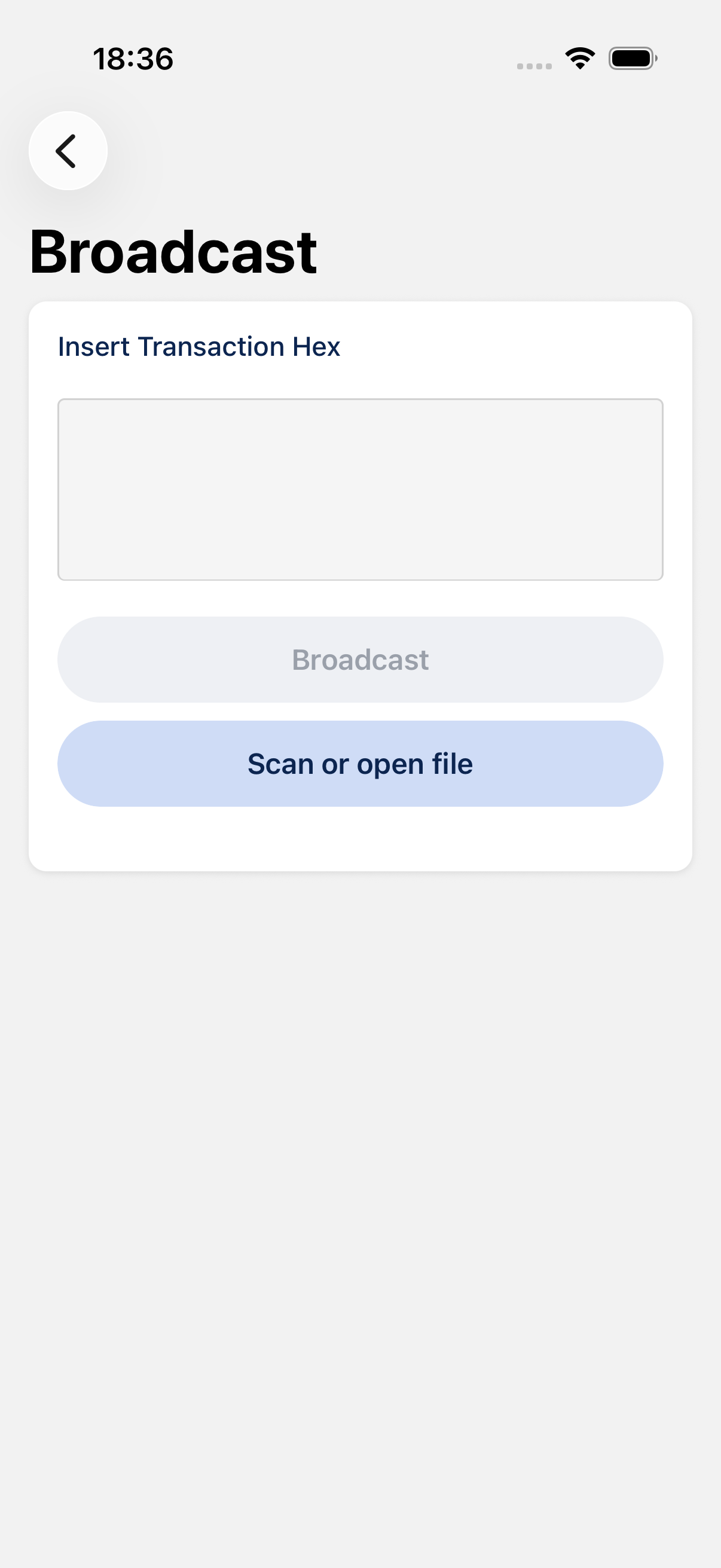
Not by itself: there is no key on the device to sign. You can build a transaction, then sign it offline or on another wallet / hardware device (PSBT, QR, or file), and broadcast it from the watch-only side. See Sign a transaction offline.
-
Should I import an xpub, ypub, zpub, or a single address?
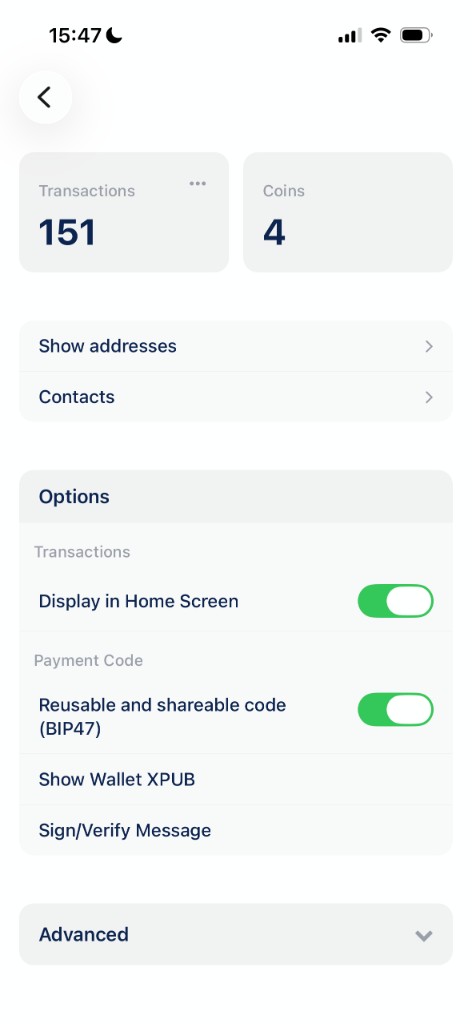
Use an extended public key (xpub/ypub/zpub) to generate new receiving addresses. Import a single address only when you want to watch that one output. zpub is the usual pair for a Native SegWit wallet. You can copy it from Wallet details → Show Wallet XPUB on the device that holds the keys.
-
How do I set one up?
+ → Import wallet → paste or scan the public key or address. Same three steps shown on this page.
-
Does it work with hardware wallets?
Yes. Import the hardware wallet as watch-only using its extended public key, build the transaction in BlueWallet, sign the PSBT on the device (QR or file), then bring the signed transaction back to broadcast. This works with PSBT-compatible hardware wallets. Guide: Sign a transaction offline and Use BlueWallet offline as a cold wallet.
-
Is it safe to share an XPUB?
An XPUB cannot spend funds, but it reveals all addresses and balances for that account. Share it only with wallets or devices you trust to watch the funds.
Community
Be part, contribute as you can and stay up-to-date. Bitcoin is winning.
Contribute
Free Open Source Software
BlueWallet is free and open source software. Build in public by a community. And, one of the most used products in Bitcoin. Self-custody will win, but your contribution really matters. See how you can start contributing today.
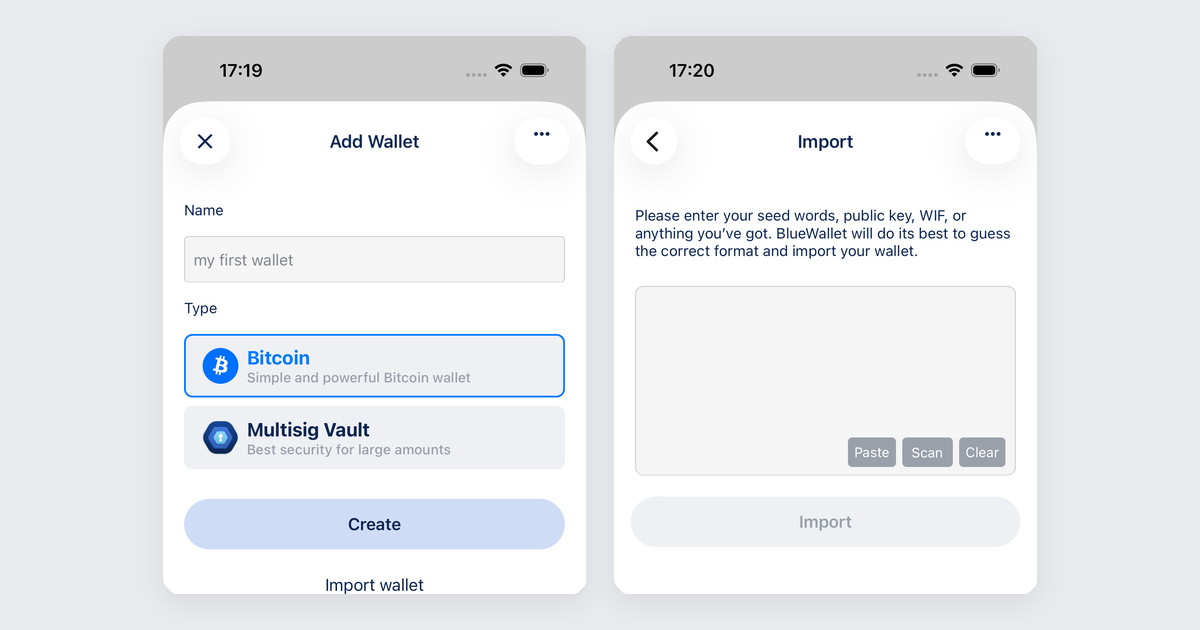
Support articles
Step-by-step guides with screenshots