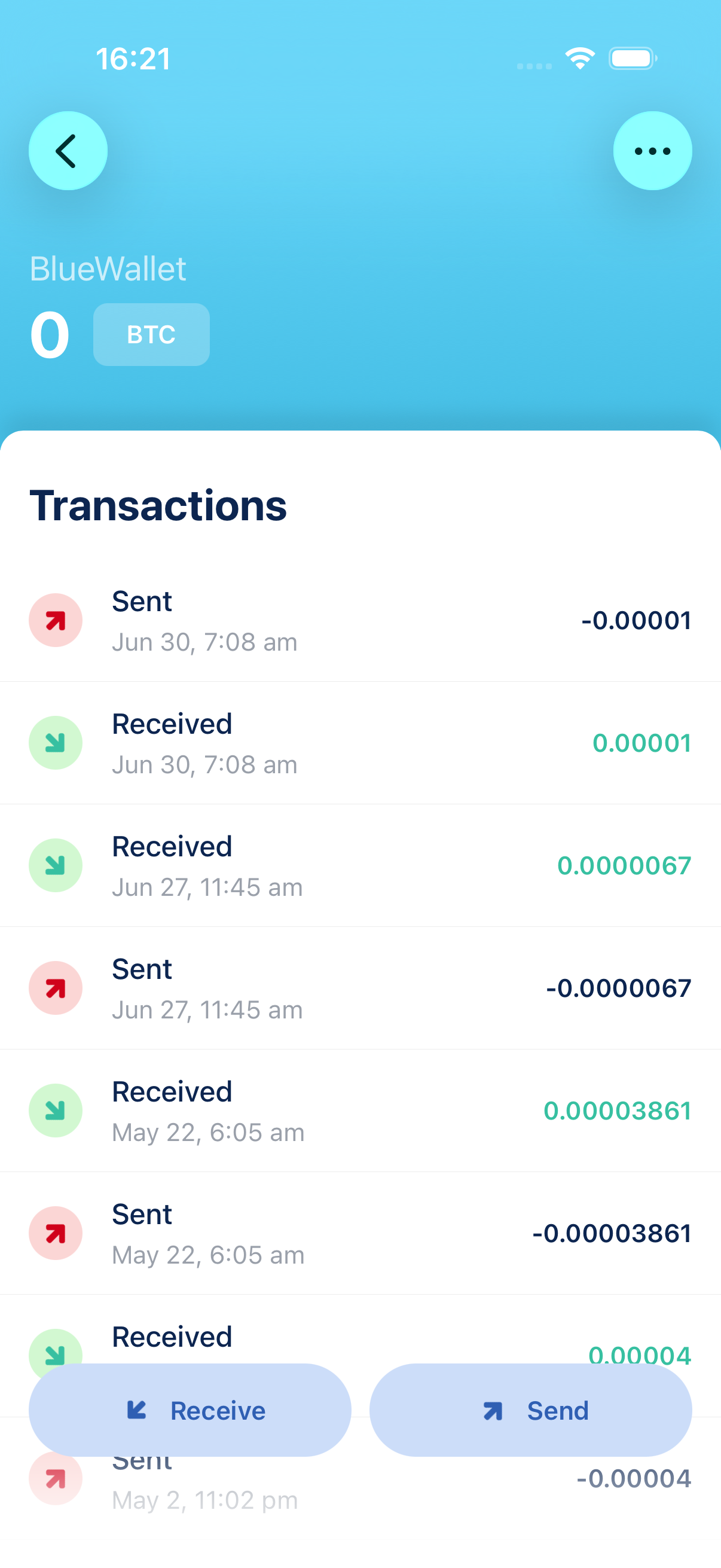
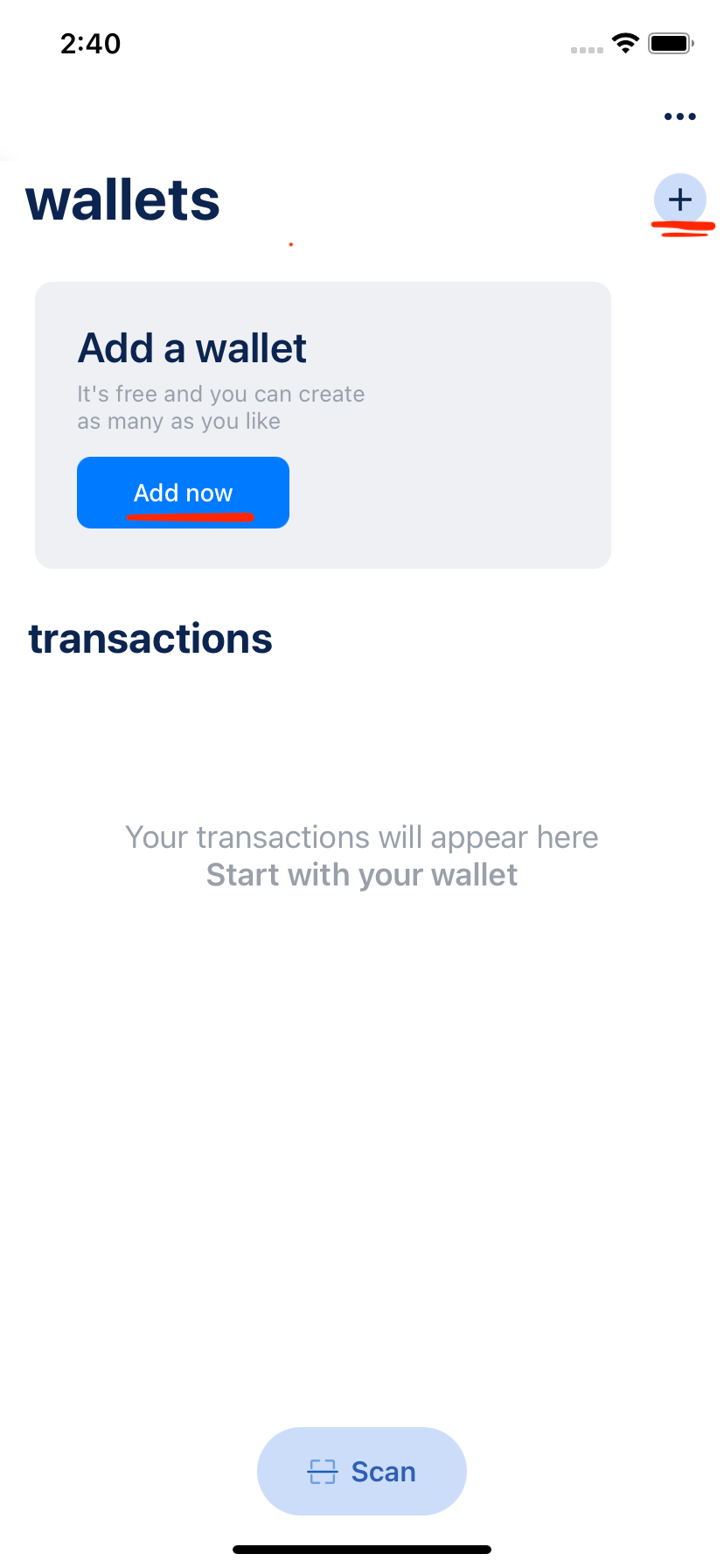
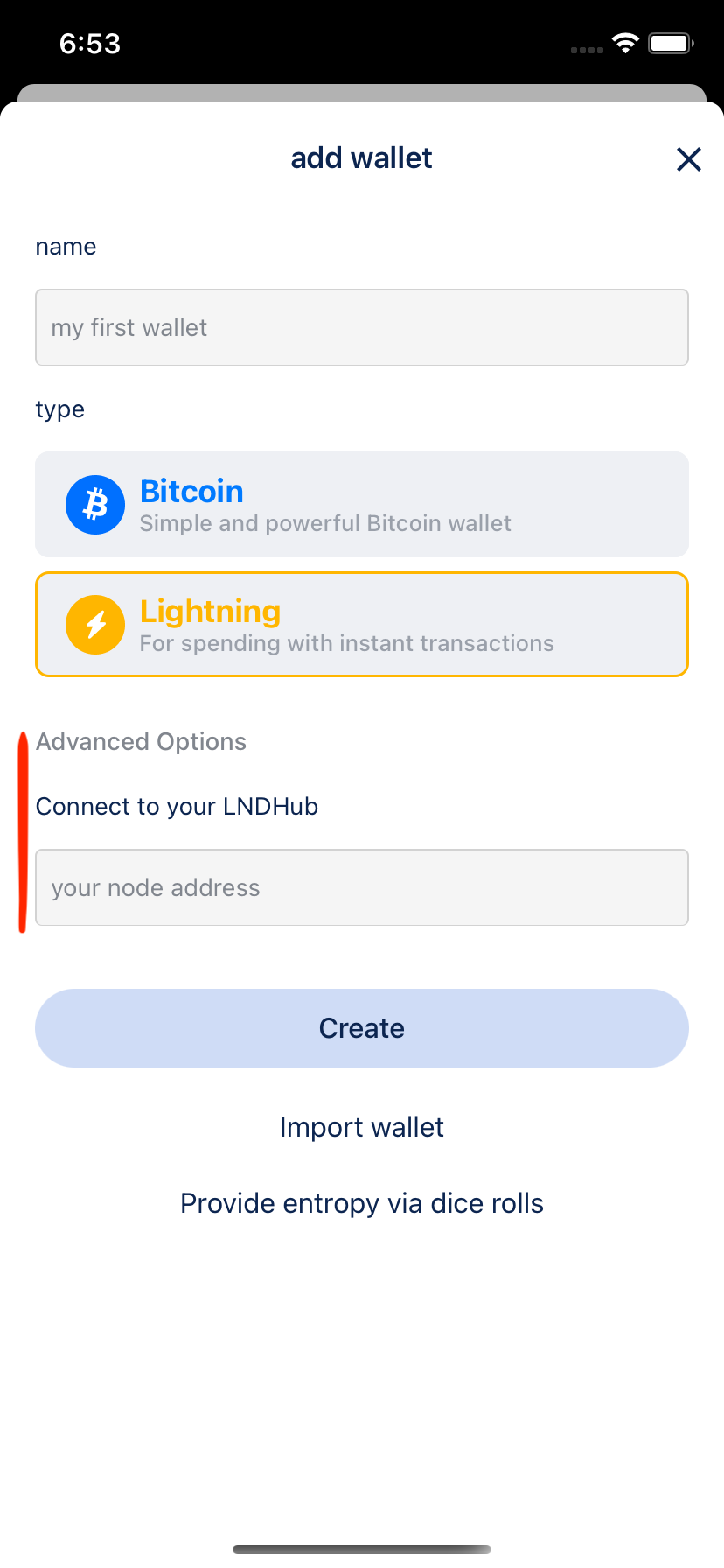
Tap + or Add now, choose Bitcoin, optionally name it, then create. Write the recovery phrase on paper and store it offline. Full steps: Create a Bitcoin wallet.
Can we help? 👇
Still stuck? Email bluewallet@bluewallet.io
Support articles
Step-by-step guides with screenshots
Frequently asked questions
Find quick answers to the questions people ask most
-
How do I create a Bitcoin wallet?
-
How do I import a wallet from another app?
Add wallet → Import wallet, then paste or scan a recovery phrase, private key, or backup. BlueWallet detects the format. Import one wallet at a time. Guide: Import a wallet.
-
I imported my seed, but the balance is wrong. What should I try?
If the backup used a BIP39 passphrase (25th word), enable Passphrase in the import ⋯ menu: Import with a passphrase. If discovery still misses the wallet, turn on Search accounts, then Custom derivation path if you know the path from the original app.
-
How do I back up my wallet?
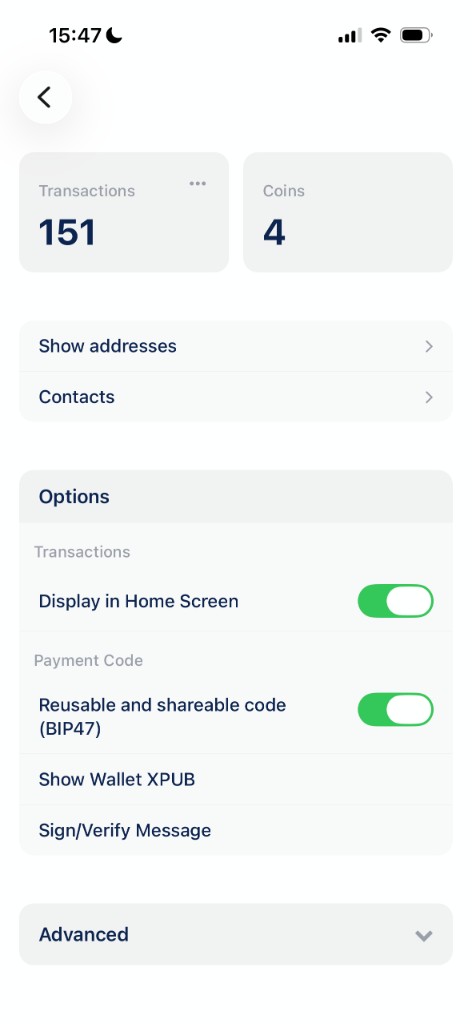
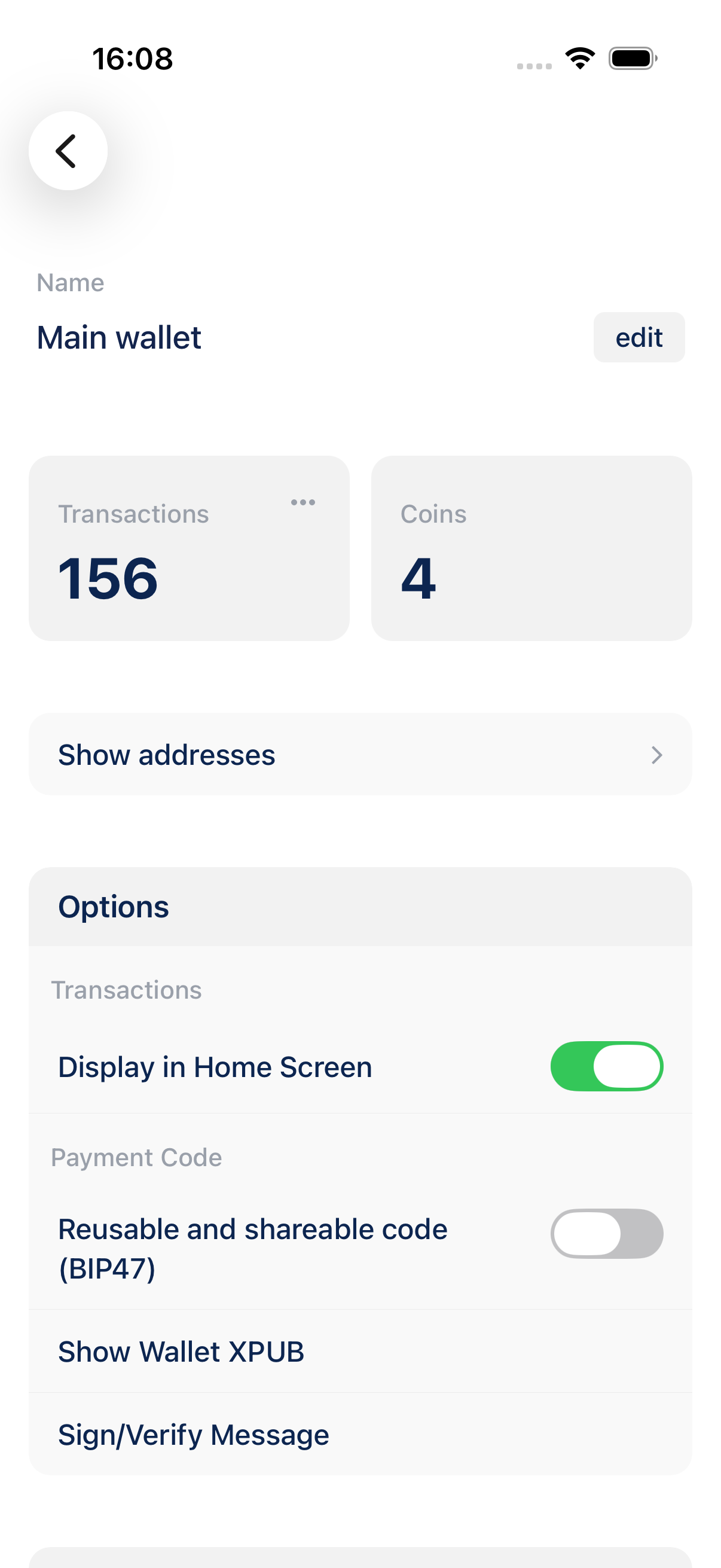
Each wallet has its own backup. Open the wallet → ⋯ → Export/Backup. There is no single backup for every wallet at once. Guide: Backup and export a wallet. Wallet options are listed in Wallet details.
-
Can I use BlueWallet as a cold wallet?
Yes. Keep a spare phone permanently offline (Airplane Mode + BlueWallet Offline Mode), hold the seed there, and use a watch-only wallet on your everyday phone to build transactions. Pair PSBT-compatible hardware wallets the same way. Guide: Use BlueWallet offline as a cold wallet. Also Sign a transaction offline.
-
How do I set up a Lightning wallet?
Lightning in BlueWallet connects to your own node through LNDhub. Add your LNDhub URI when creating the wallet: Create a Lightning wallet. Keep Lightning balances small.
-
How do I send bitcoin, and why is a transaction still pending?
Open the wallet → Send, enter address and amount, review the fee, then confirm. Guide: Send a Bitcoin transaction. Unconfirmed sends sit in the mempool until miners include them; a higher fee confirms faster. Tap the payment for transaction status, Speed up / Cancel when available, or look the ID up on mempool.space.
-
How do I connect a hardware wallet?
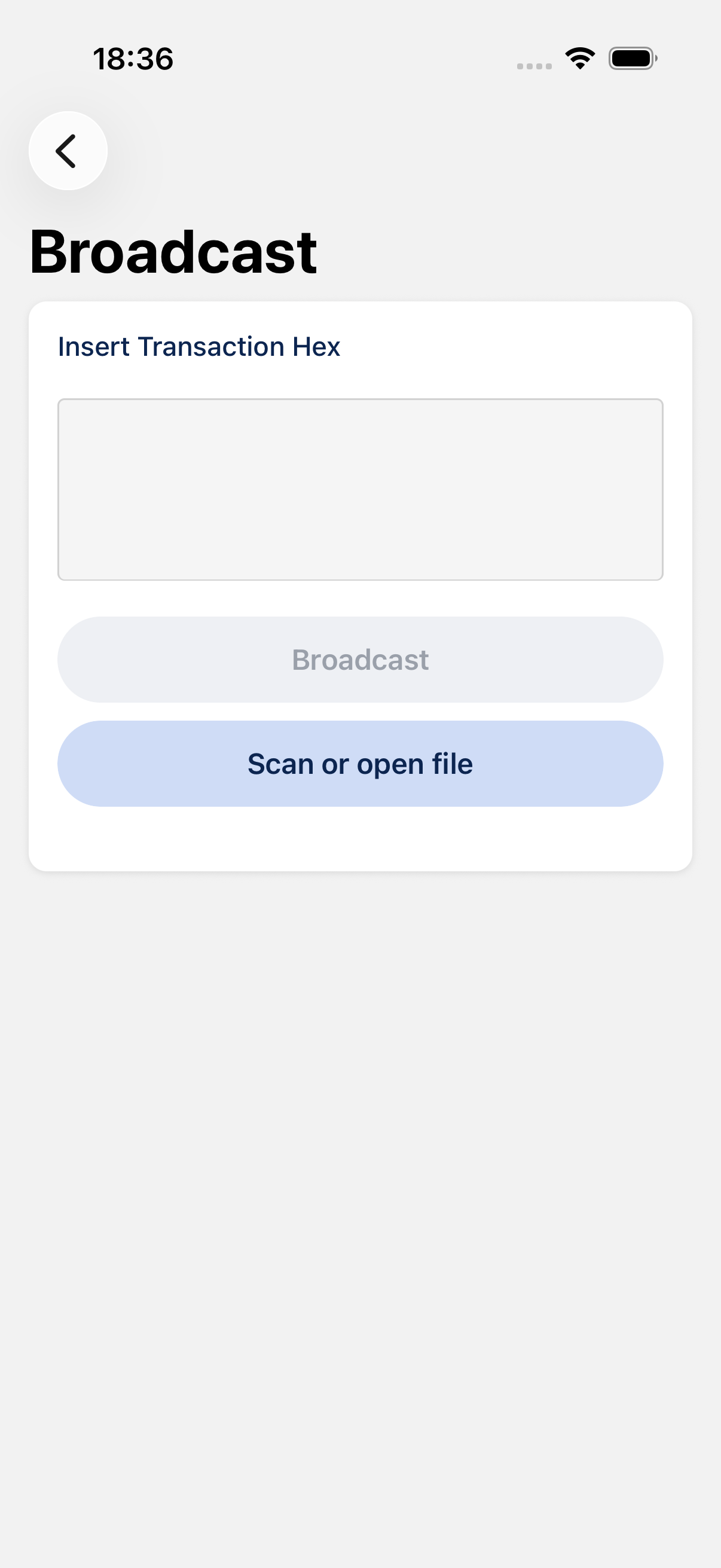
Import it as watch-only using the device’s public key, build the transaction in BlueWallet, sign the PSBT on the hardware wallet (QR or file), then bring the signed transaction back to broadcast. This works with PSBT-compatible hardware wallets. See Watch-only and Sign a transaction offline.
-
My balance is not updating.
Open the wallet and pull down to refresh. If it still looks stuck, check the network connection and that Electrum is not in Offline Mode.