Yes. Lightning in BlueWallet connects to a node you run, through LNDhub. Regular on-chain Bitcoin wallets do not need a Lightning node.
Lightning Wallet
Connected to your own node
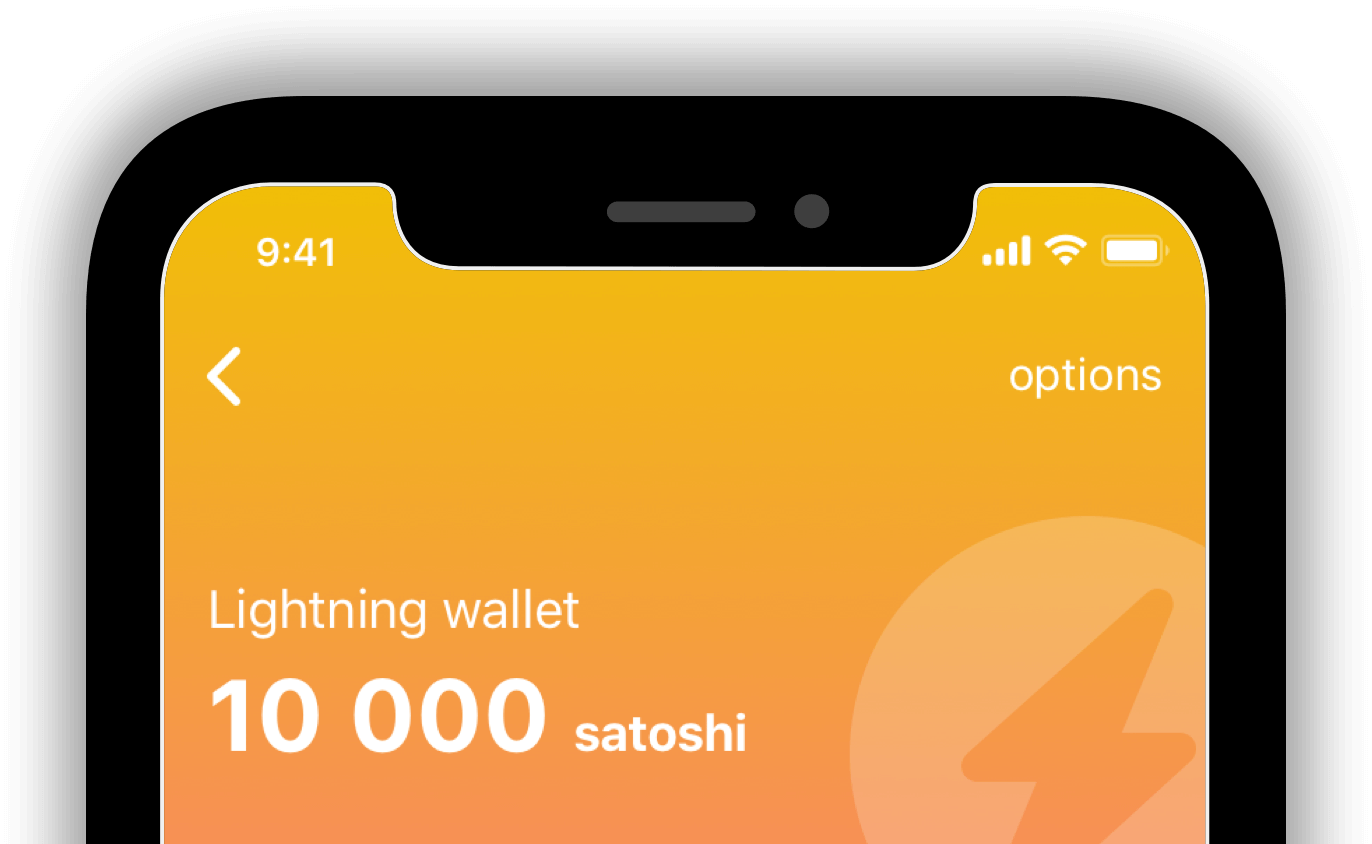
You can use your own node. Allows you to seamlessly use the Lightning Network, with accounts associated to your node. Ideal for your family wallets, small communities or groups of people running their own nodes. It uses LNDhub to power the connection.


Features
Refill
Allows you to refill your Lightning wallet with Bitcoin. It needs 3 confirmations to validate.
Send
Make payments after scanning a QR code or through an invoice.
Receive
Receive instant payments. Generate invoices that can be easily shared.
LNurl new
Allows you to have an easier interaction with services that support LNurl. Pay and Withdraw.
Marketplace
Access and Explore Lightning ready services and start participating on the new layer for payments.
Browser
Directly access your favourite lightning ready apps from our browser.
How to start
1
Create a Lightning Wallet
Once you have created your Lightning Wallet, you will find the option "manage funds" inside your wallet. This is where you can refill a new Wallet.
2
Send an on-chain Transaction
Choose your favourite refill option and send a transaction with the desired amount. Keep the amount low, Lightning is experimental.
3
Start using Lightning
Once you send your transaction, it will require 3 confirmations before your balance appears on your Lightning wallet. Welcome to Lightning.
Frequently asked questions
Quick answers about using Lightning in BlueWallet with your own node
-
Do I need my own Lightning node?
-
What is LNDhub?
LNDhub is open-source software that lets a Lightning node offer multiple accounts. You add your LNDhub URI when creating a Lightning wallet. Useful for a family, a small group, or anyone running their own node. See Create a Lightning wallet and LNDhub.
-
How do I add bitcoin to a Lightning wallet?
Open the Lightning wallet → Manage funds, send an on-chain refill, then wait for 3 confirmations. Keep the amount small. Lightning remains experimental.
-
Why isn’t my refill showing up?
The on-chain refill needs 3 confirmations. Time depends on the fee. Pull down inside the wallet to refresh.
-
What does “payment in transition” mean?
The payment was sent to Lightning, but BlueWallet has not yet received a final success or failure. Funds can sit in that state from about 24 hours up to several days, depending on hops and channel timeouts. BlueWallet retries status checks; the amount returns to the wallet when those timeouts complete.
-
What is LNurl?
LNurl lets you pay or withdraw by scanning a QR from a Lightning service, instead of pasting an invoice. BlueWallet supports LNurl pay and withdraw when you are connected to your node.
Community
Be part, contribute as you can and stay up-to-date. Bitcoin is winning.
Contribute
Free Open Source Software
BlueWallet is free and open source software. Build in public by a community. And, one of the most used products in Bitcoin. Self-custody will win, but your contribution really matters. See how you can start contributing today.
Support articles
Step-by-step guides with screenshots